 Sermon Archive
Tips for recording live
Auracast
If your church supports Auracast and has an Aura C adapter:
- Install Venucast Connect from the App Store.
- Open the app and insert the adapter.
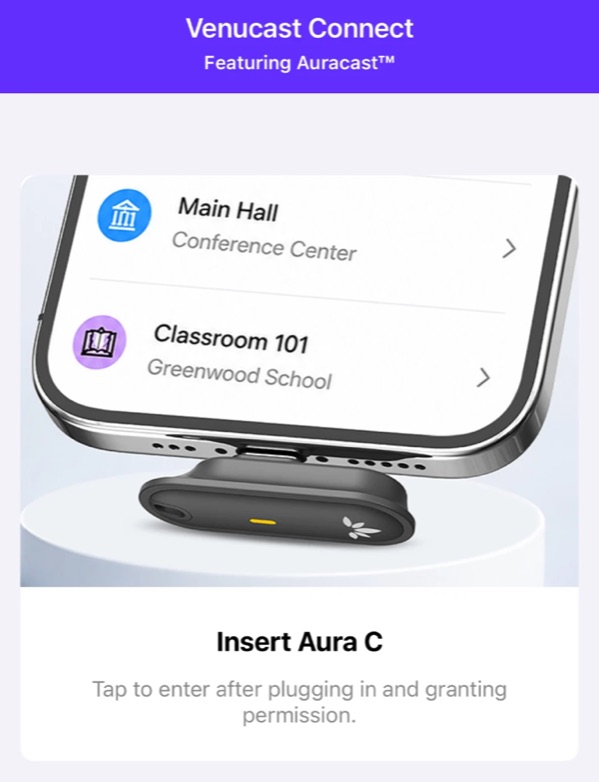
Before the adapter is in - Tap Find Auracast.
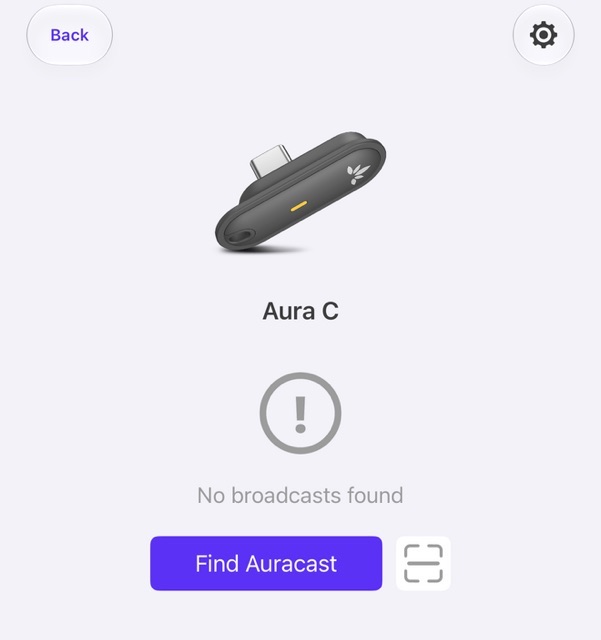
Once it is in - Tap your church’s broadcast, for example one from an Auri transmitter. It turns purple.
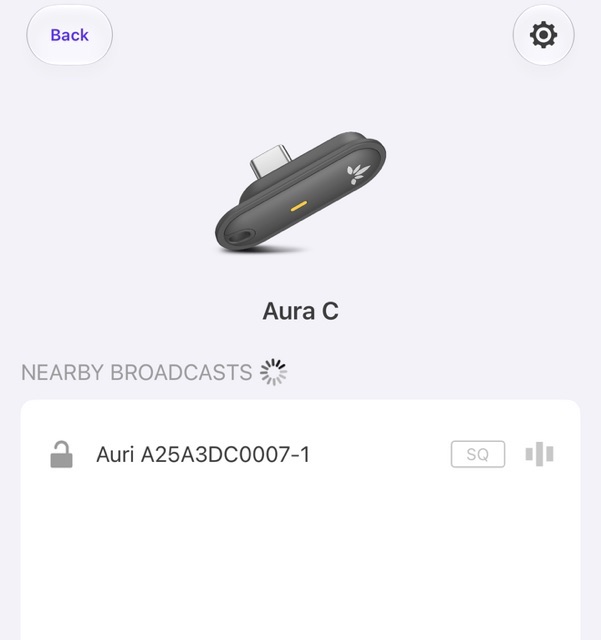
Nearby broadcasts 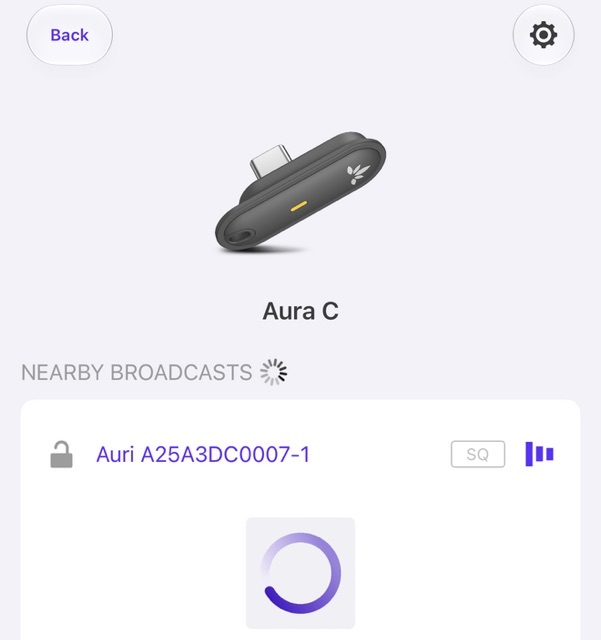
Tapped - In Sermon Archive, tap Choose microphone and pick Aura C.
- Start your live session.